 design-infra
Report a problem or share feedback← Catalog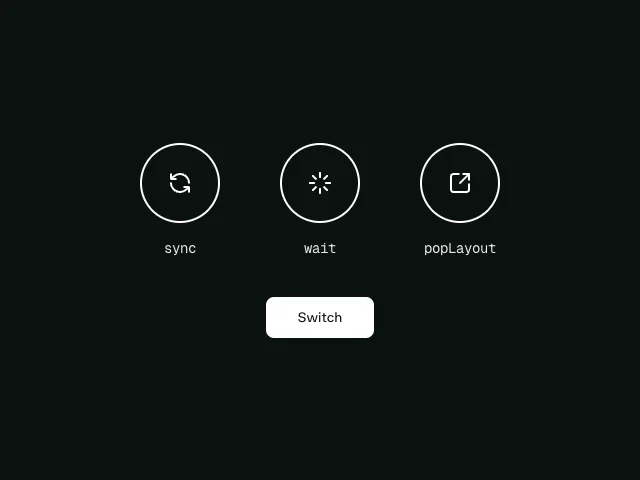
AnimatePresence modes
curatedfreemotion/animate-presence-modes
An example of the three AnimatePresence modes (sync, wait, and popLayout) demonstrating how elements enter and exit the DOM with Motion for React.
$
pnpm add motion # then adapt the free source from https://motion.dev/examples/react-animate-presence-modesnpm deps: motion
Our notes
AnimatePresence `mode` (sync / wait / popLayout): how to swap one view for another — tab panels, carousel slides, step wizards — without overlap jank. Free example (motion is MIT); copy and adapt the source from the example page.- Source
- Motion (motion.dev)
- Kind
- transition
- Categories
- transition, input
- Use as
- recipe — technique you apply to your own markup
- Applies to
- modaltabscarousel
- Motion
- on state · subtle · motion · low cost
- Tags
- motion, AnimatePresence, animate, whileTap
- Licence
- motion / motion/react / motion-v are MIT. Motion+ (premium components, example source, AI Kit pro tools) is paid — one-time Personal licence or per-seat Business.
- Live demo
- motion.dev
- Docs
- motion.dev
Similar
Compare all 4 →- Motion presetsoc/motion-presetsdesign-infra's motion languages (still / quiet / lively / cinematic) as motion/react transitions, springs and variants (fadeUp, scaleIn, stagger, press, lift). Set PROJECT_MOTION to your DESIGN.md `motion:` so hand-written animations match the system.
- Modal open / closetransitions/modalScale-from-center modal open/close timings that feel native.
- Tabs slidingtransitions/tabs-slidingSliding active-tab indicator. Pair with shadcn Tabs.