 design-infra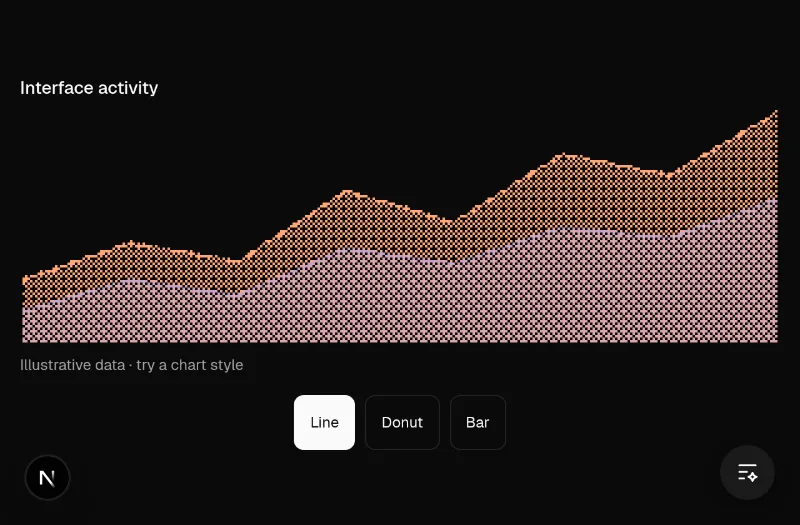
Try it live
Good UI starts with better components.
Thousands of components, indexed and ready to build with. Find the right one with your agent.
Paste into Claude Code or Codex.
Small details.
Big difference.
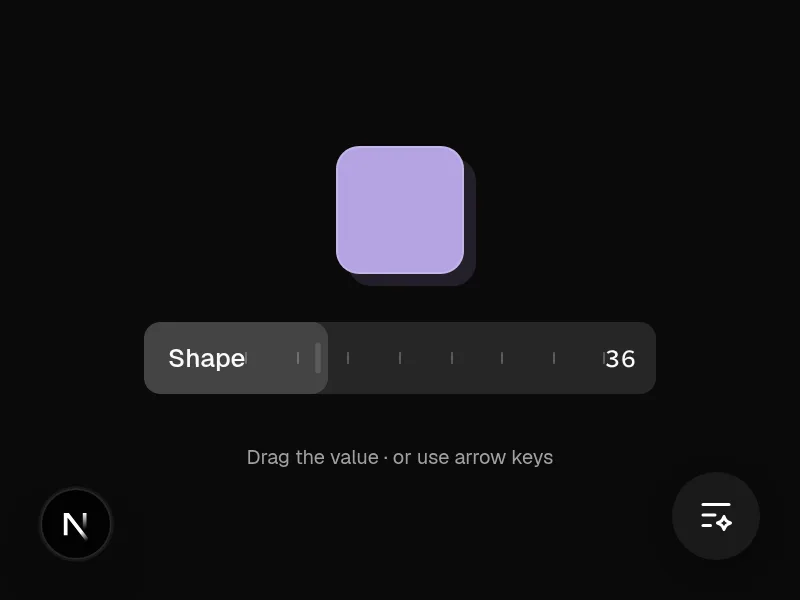
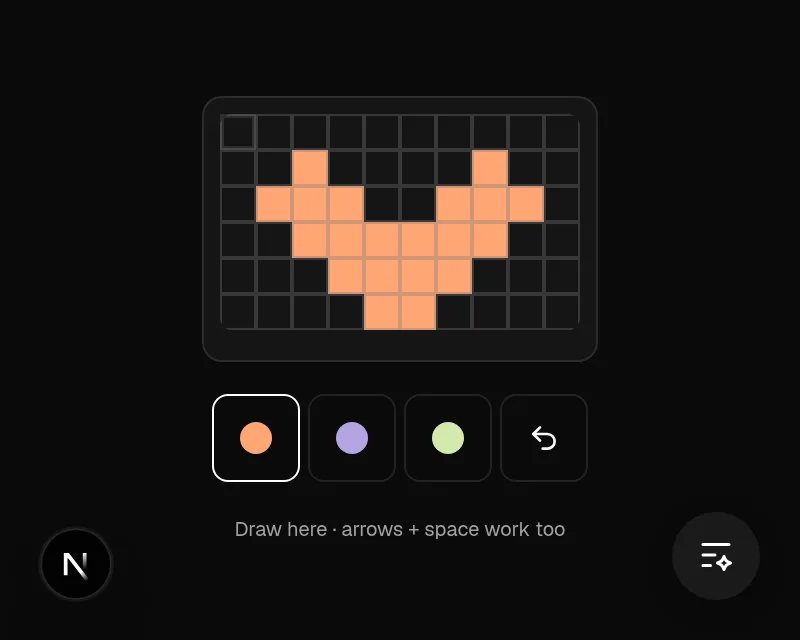
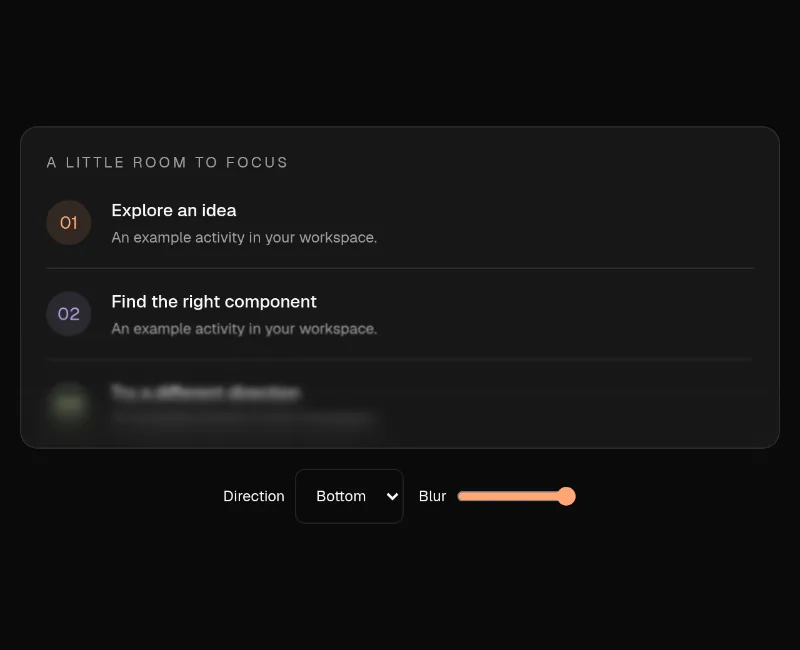
Try a component. Open it for the source and install command.
Interactive demoPaused
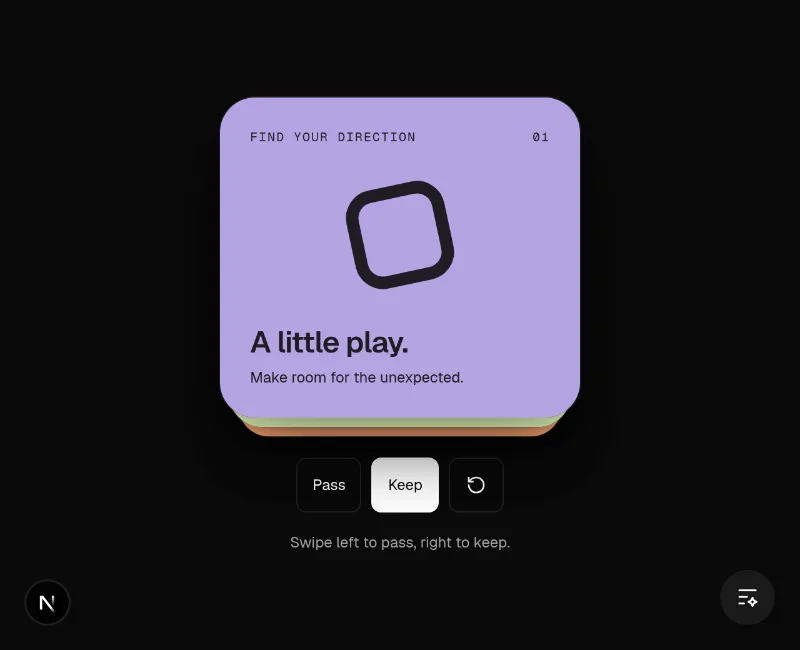
Interactive demoPaused
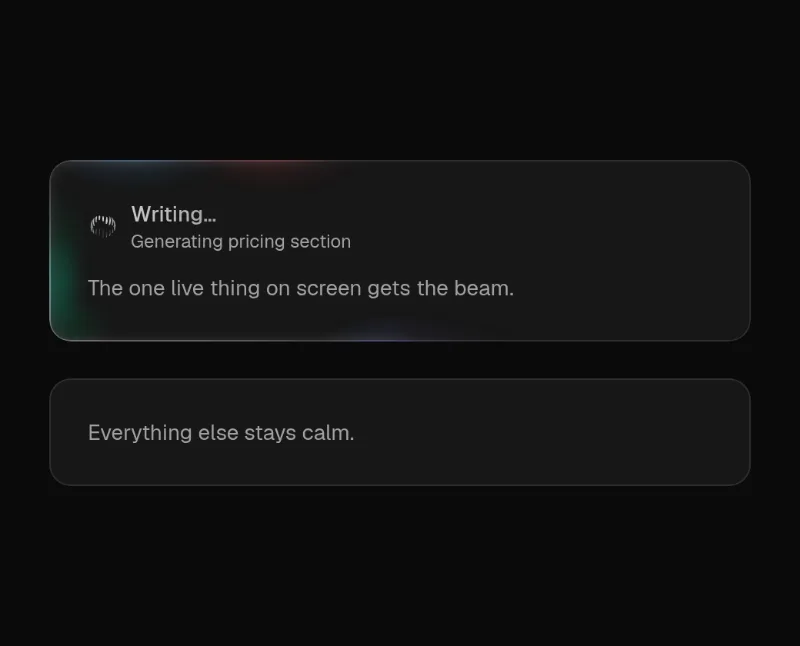
Interactive demoPaused
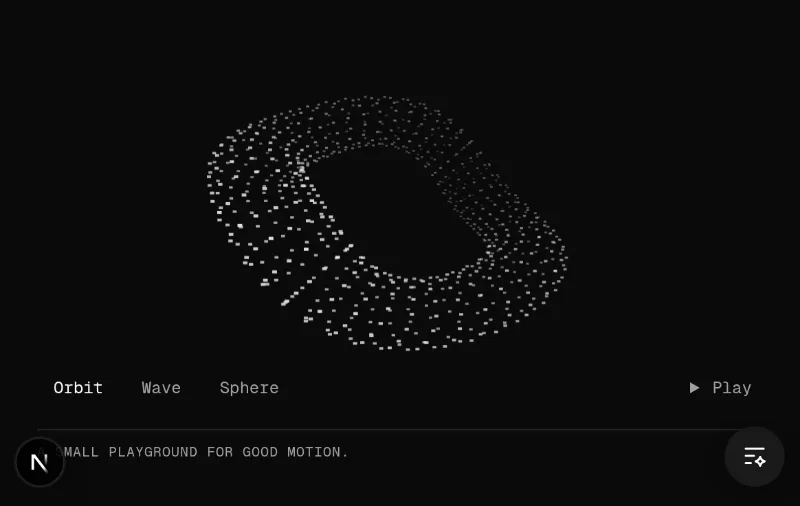
Interactive demoPaused
From an idea to working UI
How it works.
Connect your agent once. Then use real components and references to build and improve your project.
Copy the prompt.
Open your project in Claude Code or Codex. Paste the prompt above to connect your agent to the component catalog.
Get the promptTell it what to build.
Name the page or component you want to improve. Share a website link, a screenshot, or a feeling like clean, sharp or calm.
See example requestsFind the right parts.
Your agent finds suitable components. Explore available live demos and compare options. Pick your favorite, or ask the agent to choose.
Browse the catalogBuild, then refine.
Your agent installs and adapts the chosen components to your stack and brand. Review the result, then tell it what to keep or change.
Read the usage guide
What you can do.
Attach a screenshot in your project’s agent, then say what to change. A website link or component path works too.
Try asking · Loading indicators
“Find a loading component to put here.”
Example attachment Screenshot added
Copy a request, attach your screenshot in Claude Code or Codex, and point out what to change.
Choose how it feels.
Use words like clean, sharp or calm to explore different visual directions. Your project’s purpose still determines its layout.