 design-infra
UGC Contracts
ugccontracts.com/A contract generator explained through a persistent paper document, scroll-linked clause highlights, layered sheets, particle connections and a drawn-signature finale.
Why it is here
My friend made this site which has so many animations and other things — shared as a reference for a stronger first impression and richer motion on Design Infra. The useful direction is coordinated, product-specific interaction; the user separately requested removing music from our homepage.Reproduce it with
Catalog pieces that rebuild its patterns.
- componenthover · cursor — mediumMagnetic Fieldsmoothui/magnetic-field
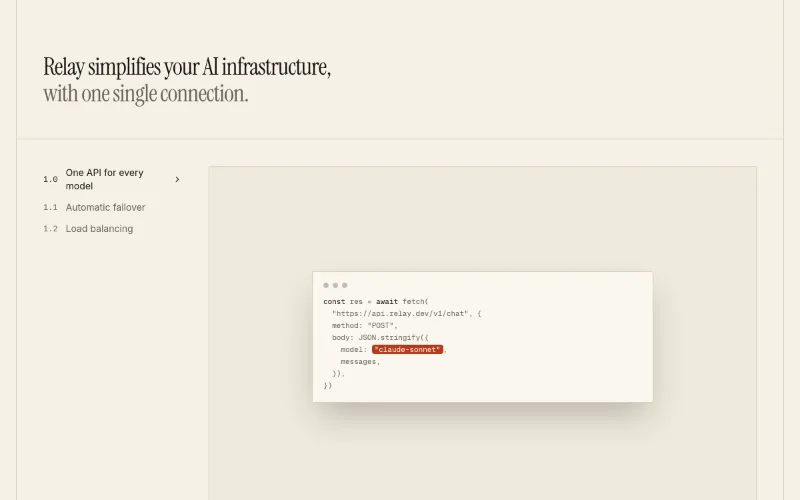 scroll — subtleFeatures · Levels (scroll-spy)oc/feature-levels
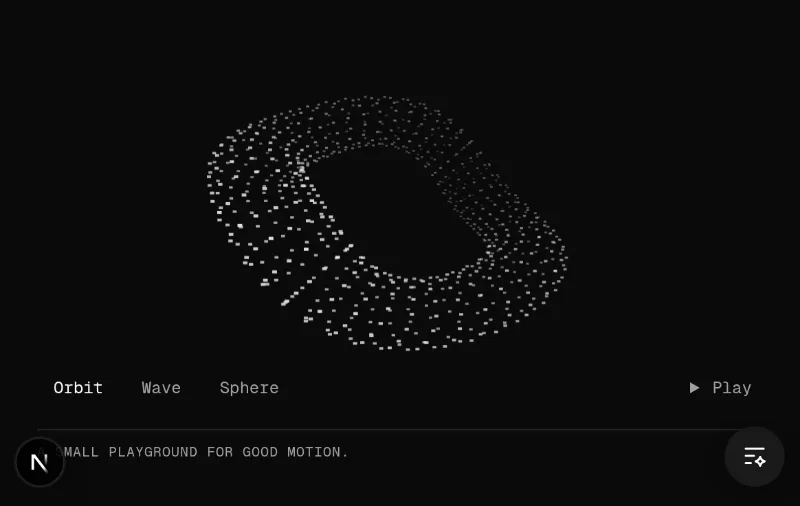 loop · cursor · state — mediumKinetic fieldoc/kinetic-field
 hover · cursor — mediumTiltmotion-primitives/tilt
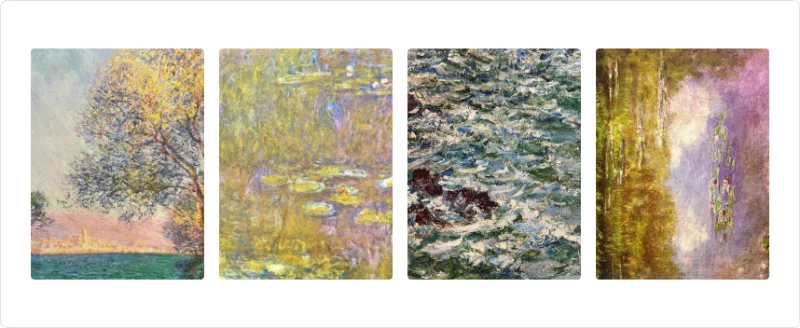 enter — subtleAnimated Groupmotion-primitives/animated-group
 enter — subtleText Effectmotion-primitives/text-effect
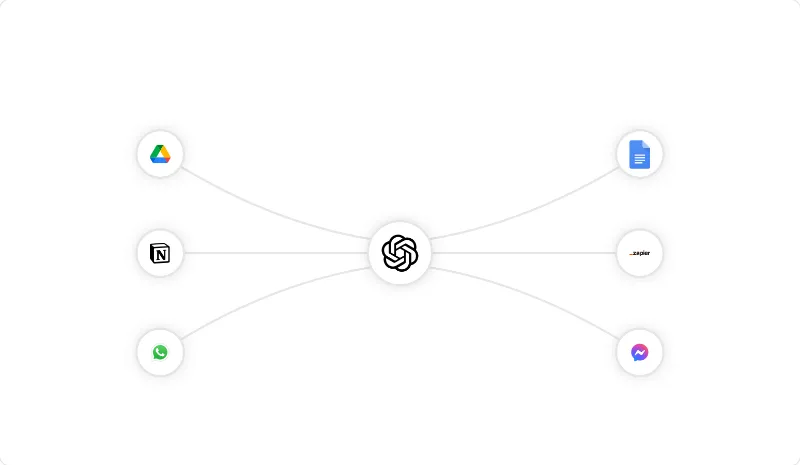 loop — mediumAnimated Beammagicui/animated-beam
 enter — subtleBlur Fademagicui/blur-fade
Visit the original. This is a visual reference, not an installable component library. Screenshots remain private in .context/inspiration/ugc-contracts/; no site artwork, fonts or implementation code is redistributed.
Feel
A quiet sage canvas and a large physical-looking document make a technical service feel tangible. The document provides continuity while the explanation changes. Layered paper, shallow rotation, shadows, highlighted clauses and a drawn signature connect the motion directly to the product's purpose.
Inspected the live desktop experience at multiple scroll positions through the signature scene and closing call to action, plus the mobile first viewport. The automated full-page capture contains blank areas because scenes depend on the current scroll position; it is not evidence of absent content. Mobile scroll choreography and reduced-motion behavior were not fully audited.
Palette and type
Extracted values are observations, not a proposed theme for Design Infra:
- Canvas
#ebf2ea, green accent#1f5c3f, paper#fdfcf7, dark text#14261c/#0f2418, muted green#4f6357. - Brand Sans for headings and controls; the site's own fallback lists Manrope, which is a possible open alternative rather than an asserted font match. Iowan Old Style gives the contract and explanatory copy an editorial contrast; an open alternative to explore is Libre Baskerville.
- Observed desktop heading sample about 41px/600, compact controls about 13px/500. Large closing typography provides a separate visual beat.
- Minimal rounding on paper, pill controls, a fine edge and a deep soft shadow establish distinct material roles.
- The exposed ease token is
cubic-bezier(.22,1,.36,1). Scroll-linked scene progress matters more than a single transition duration; exact animation timings were not audited.
Reusable patterns
| Pattern | Observed behavior | Catalog starting points |
|---|---|---|
| Persistent product object | A large document stays central as explanation and emphasis change | oc/feature-levels for chapter structure; a custom original composition in its media area |
| Physical depth | Offset sheets, slight rotation and a broad shadow create a paper stack; a later scene fans multiple documents out | motion-primitives/tilt and motion-primitives/animated-group as interaction ingredients |
| Coordinated explanation | Left statement, right audience benefits, active clause and bottom chapter marker change together | oc/feature-levels, motion-primitives/text-effect |
| Meaningful connections | Brand pills connect to the document through particle trails | magicui/animated-beam as a connector ingredient; oc/kinetic-field for original Canvas particle techniques, not an exact reproduction |
| Completion moment | Signature strokes appear before the final full-color call to action | Original SVG stroke animation; magicui/blur-fade for surrounding content |
| Interactive UI composition | A product-specific object carries the story instead of independent decorative loops | smoothui/magnetic-field as a cursor-response reference; our composition should contain useful original UI pieces |
How to apply
For a marketing page, establish one visual object, develop its story through a few legible stages, then provide a clear next action. The observed story progresses from contract creation through scope, rights, protections, sending, scaling and signing, followed by a large closing call to action. Do not transfer that long narrative structure automatically to data tools, documentation or the component catalog.
For Design Infra, the strongest proposed adaptation is a small collection of real UI pieces on the right of the existing headline and copy prompt. A brief spring entrance establishes depth; pointer movement affects the arrangement; selecting a component exposes a useful state. A short optional scroll sequence could assemble the pieces into a section. These are recommendations awaiting a direction choice, not shipped behavior.
Keep the first action immediately available, reserve space to prevent layout shifts, offer pause controls for continuing motion, stop work offscreen/hidden, and provide a useful static composition for reduced-motion and touch visitors. Keep our existing dark canvas, typography and warm accent while testing the composition. The homepage should remain silent at the user's request.