 design-infra
Vela Energy
www.velaenergy.ai/Energy-software marketing site combining an immersive infrastructure-video hero with restrained white sections, a working product demonstration and plainly presented evidence.
Why it is here
The user calls this "clean"; use it as a reference for purposeful typography, photography, restrained surfaces and product-led explanations, not a generic preset theme.Reproduce it with
Catalog pieces that rebuild its patterns.
View the live site. Screenshots remain in the private workspace; code, imagery, video and fonts are not redistributed.
Feel
The user described this as clean. Its identity comes from infrastructure footage and confidently placed text. Below the hero, white and pale surfaces give the product and content room. The compact floating navigation is rounded, but the page does not repeat decorative cards everywhere. Clean here means deliberate hierarchy and a small vocabulary of treatments, not removing imagery or all motion.
Palette & type
The desktop capture records a white canvas (#ffffff), near-black text (#0c0e12) and quieter grey text (#4a4f58). The video hero uses white text over a dark lower overlay. Loaded font family names are velaDisplay, velaSans and velaMono; these names alone do not establish the fonts' identity or redistribution rights. Choose the project's existing fonts first. Inter is a possible freely available starting point to evaluate visually, not an exact substitute.
The observed headline sample is 56px at weight 400; body/UI text is largely 13–15px. Radii differ by role: the floating nav is pill-shaped, while the embedded product uses modest corners. Do not convert the entire page to one radius or infer a complete token system from aggregate measurements.
Layout & patterns
| Pattern | Observed treatment | Reusable starting point |
|---|---|---|
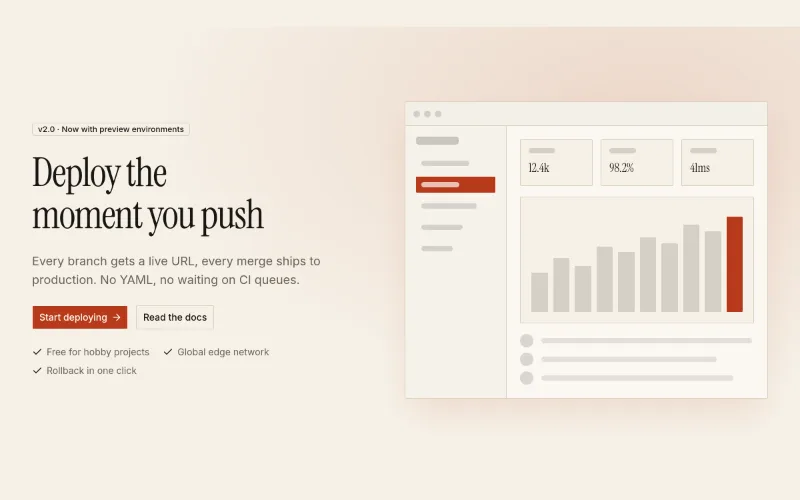
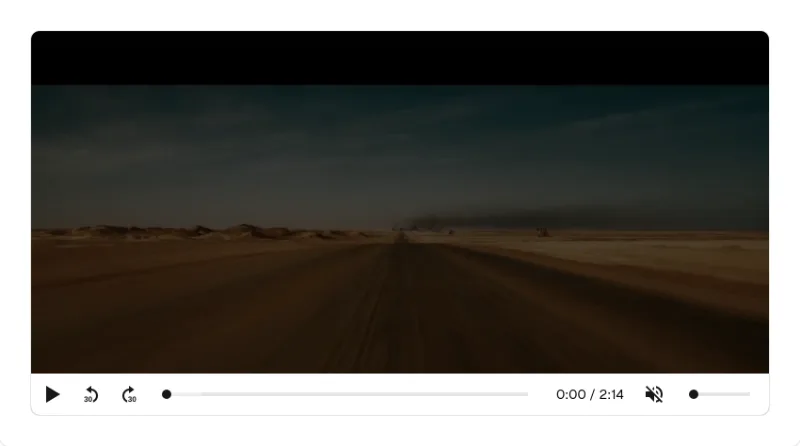
| Hero and navigation | Full-height video, lower-left copy, compact floating navigation | oc/navbar for menu behavior; adapt oc/hero-split structurally or write the media composition around kibo-ui/video-player |
| Audience sections | Two photographic panels with short text | oc/feature-list; use original or licensed project imagery |
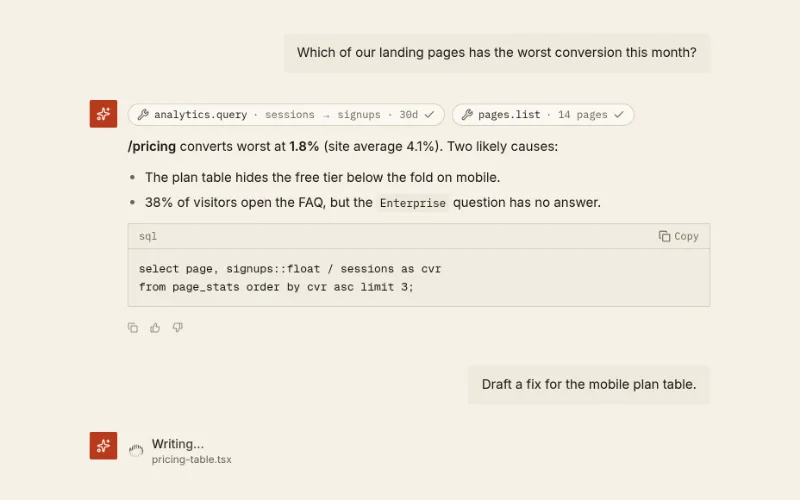
| Product demonstration | Tabbed, readable application UI with agent work and approvals | oc/chat-thread, oc/agent-status and existing project tabs; the demo is not a production app |
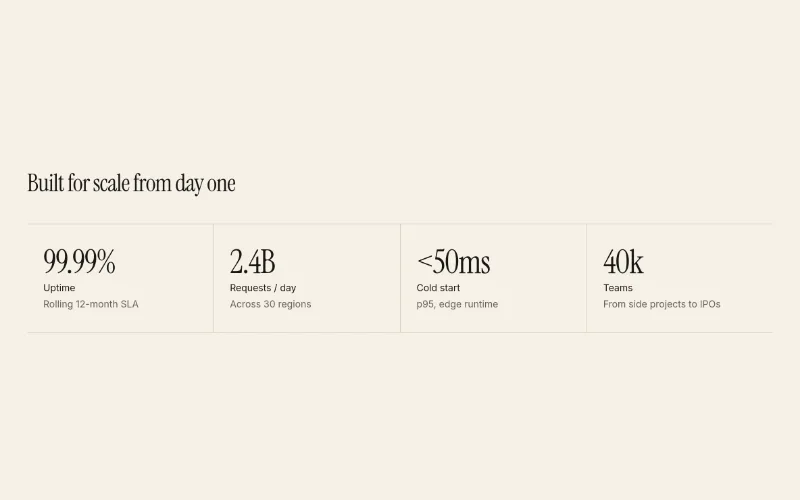
| Evidence | Large figures paired with short explanations and sources | oc/stats-row, adapted to divided rows rather than decorative KPI cards |
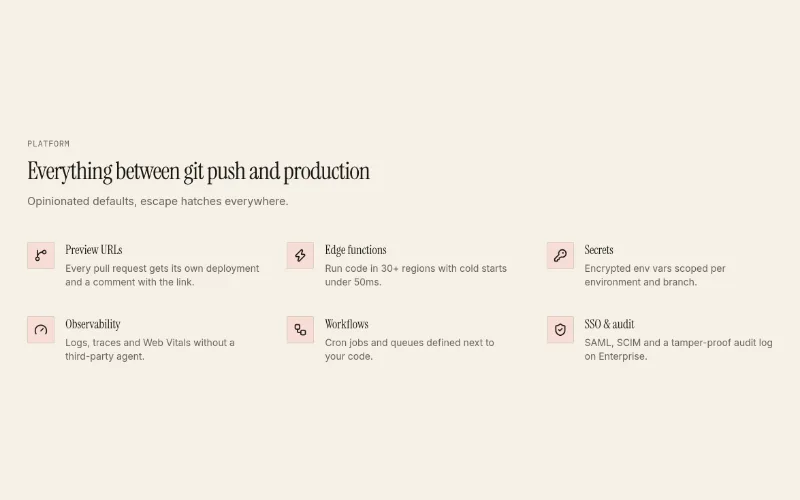
| Capability explanation | Infrastructure illustration paired with a structured explanation | oc/feature-list; the illustration is a custom-content gap, not an asset to copy |
| Product domains | Repeated image/text rows | oc/feature-list; use motion-primitives/carousel only if the actual project needs cycling content |
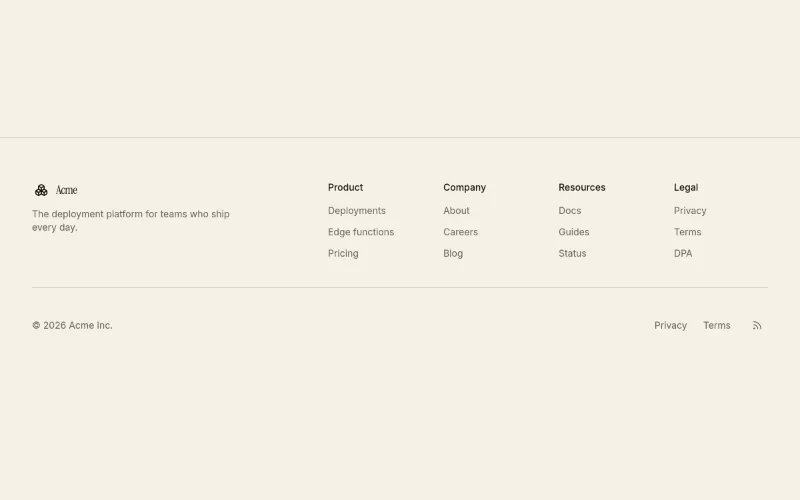
| Footer | Large brand treatment with grouped links | oc/footer-columns as a navigation foundation |
Motion and capture limits
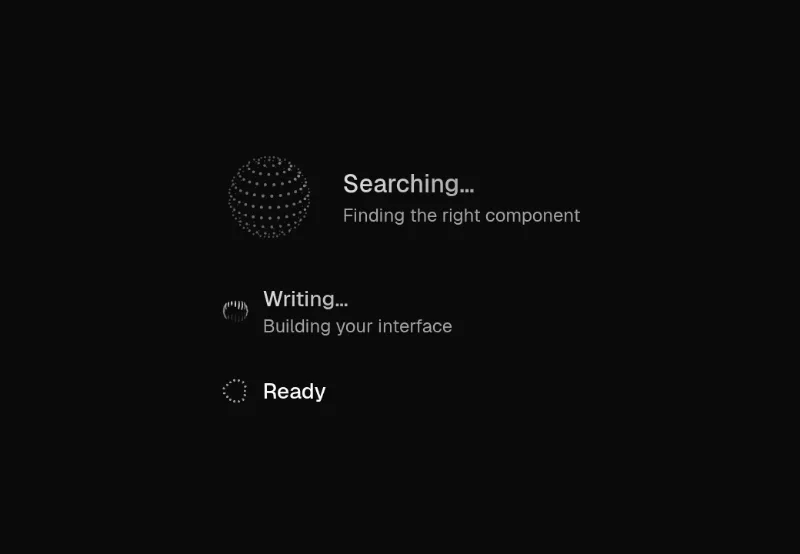
The hero plays video; the product demonstration has selectable states. The capture detected transitions, a canvas and reduced-motion CSS. That signal does not prove all interactions meet reduced-motion requirements. Provide pause controls, a static poster and keyboard-operable tabs in a recreation. Full-page shots are capped at 12,000px and scroll-triggered content can be incomplete; inspect relevant sections live before implementing.
How to apply
For a marketing project: media introduction → audience/use cases → product demonstration → evidence → capability explanation → product domains → integrations → contact/footer. Change the order to match the product's actual story rather than treating this as a mandatory template.
For a data-focused product, carry over type hierarchy, neutral surfaces, readable labels and restrained controls. Build its structure around dataset context, filters, charts, records and drill-down instead of inheriting this marketing sequence. Document reusable rules after a convincing composition exists; do not auto-install one of the existing theme presets.